Tuned to your field. Not the other way around.
Link your published work or pick a few papers on your topic. EvidX tunes the vocabulary, prompts, tables, and visual maps to your domain. Edit anything anytime.
How it adapts to you, step by step.
Four surfaces, one researcher. Confirm your areas of interest, link your published work, the home page suggests prompts in your vocabulary, and the copilot answers in it.
Confirm your research profile
We read your work as the following. Edit if needed. These drive your home page suggestions.
University of Pittsburgh
1 linked profile · 8 papers · ORCID linked
- · Generalizable Biomedical Relation Extraction with LLM Prompting(2024)
- · Schema-Guided Event Extraction in Cancer Pathway Literature(2024)
- · Cross-Paper Knowledge Graph Construction from Signaling Studies(2023)
- · Evaluating Hallucination in Biomedical Relation Extraction Models(2023)
- · BioRECIPE: Executable Mechanistic Models from Literature(2022)
Hybrid LLM + rule pipelines outperform pure prompting for biomedical relation extraction, with the largest gains on long-tail predicates. BioRECIPE-style typed schemas reduce hallucination on signaling-pathway claims.
22 findings extracted to your information-extraction vocabulary
Sign in, confirm your focus, and the copilot already speaks your vocabulary. Every paper it reads extracts into the same fields.
Four layers, all tuned to you.
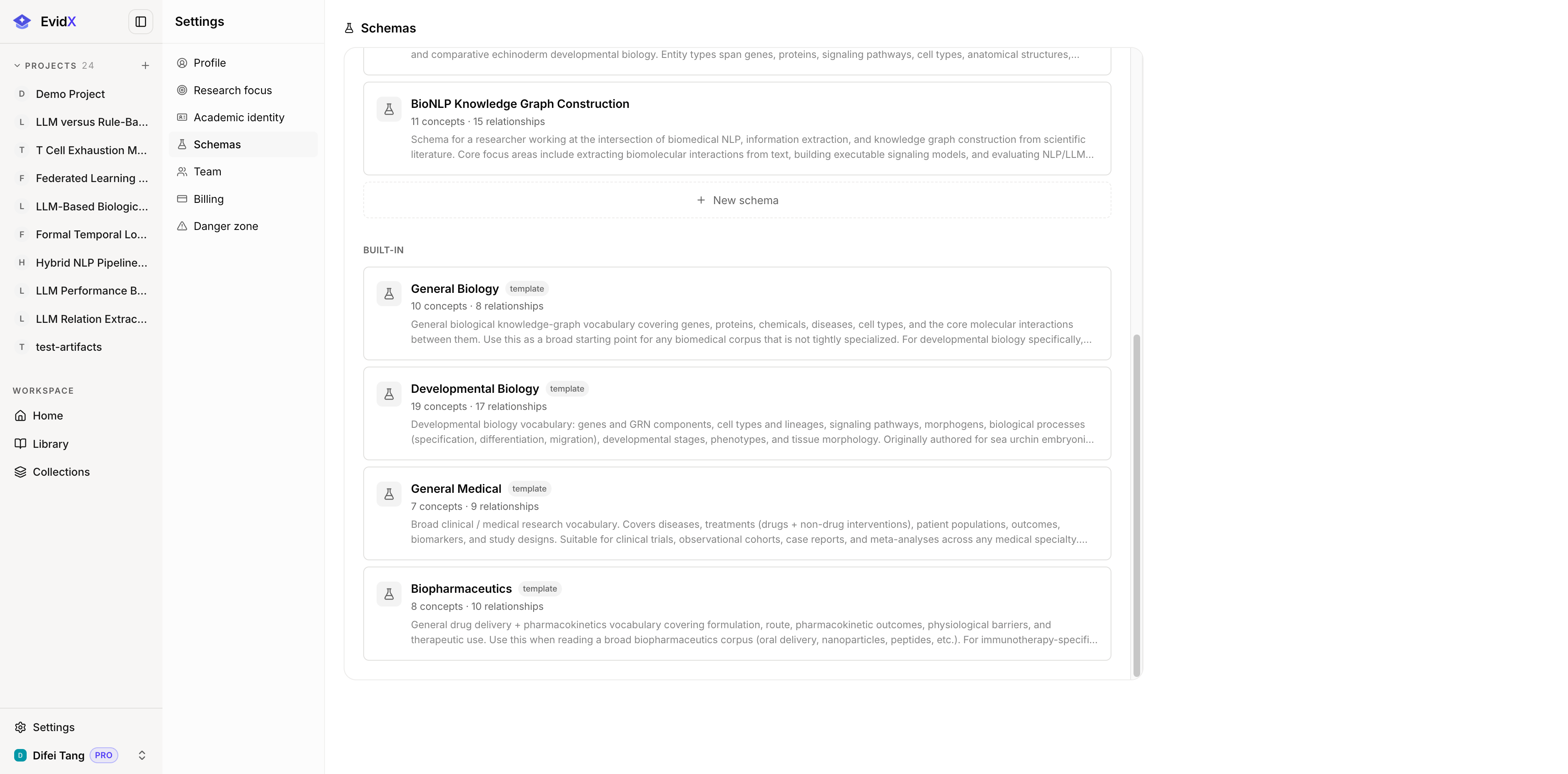
Link your past work or describe your research focus. EvidX drafts a typed vocabulary built around the entities, relationships, and fields your domain cares about. All editable.
Workflow chips and starter prompts mirror the questions you actually ask. No generic playground.
Comparison columns default to the dimensions your field cares about, not a one-size template.
Schema overlay drives node colors and icons in every knowledge map. Same data, your visual language.
Generic research tools fight your field. EvidX matches it.
Most AI research tools force one schema on every researcher. EvidX flips that. You tell it what you study, it tunes everything from the agent prompts to the visual maps. The result reads like a colleague who already knows your domain, not a generic assistant guessing at terminology.
- Vocabulary fits your field, not a hard-coded ontology
- Prompts reflect questions you actually ask in your work
- Visual maps speak your visual language
- Every layer editable: table for vocabulary, markdown for prose, JSON for power users